
iPhone Photography
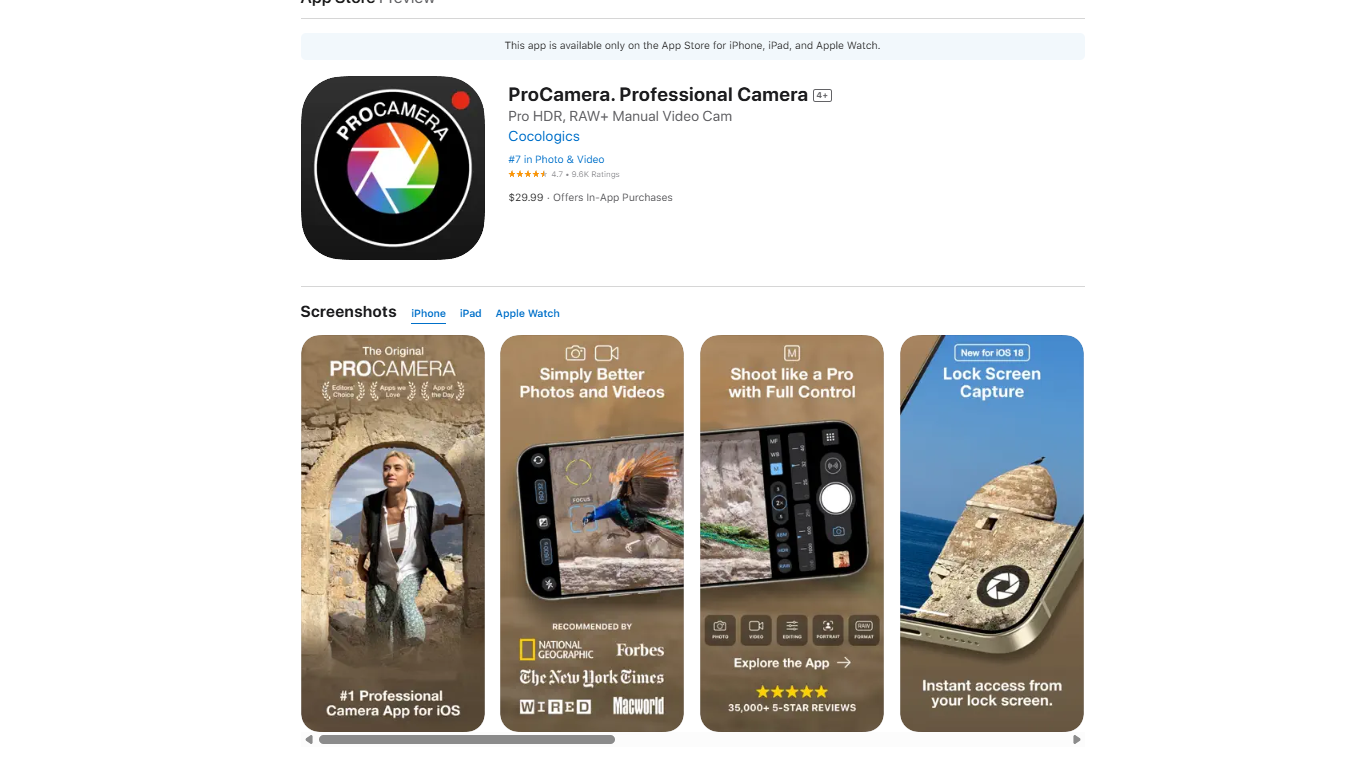
The name says it all—ProCamera delivers professional-level control over your iPhone's camera hardware, putting DSLR-style settings right in your pocket.
I’ve used this app since 2014, and as of 2025, it’s still my go-to photography tool. This updated review breaks down why ProCamera continues to be unmatched in the mobile photography space.
Why ProCamera Stands Out
ProCamera remains a powerhouse for serious iPhone photographers. While its feature list is extensive, here are the top 3 reasons I continue to rely on it:
- Full Manual Control
Shutter speed, ISO, white balance, exposure compensation (±7 EV), HDR settings, and manual focus. - Multiple Shooting Modes
Includes low-light mode, HDR with manual bracketing, and more advanced options. - RAW Capabilities
Supports classic RAW and Apple ProRAW (available on iPhone 12 Pro and newer).
Other Features I Use Constantly
- Manual lens switching
- Separate focus & exposure locking
- Volume-button shutter (supports Bluetooth triggers)
- Apple Watch remote control
- iPhone 16 camera button support
- Multiple composition grids
- Anti-shake shutter release
- RAW exposure bracketing
- Built-in tilt-meter
- Auto perspective correction (ProCamera Up! required)
Key Features, Explained
Manual & Priority Modes
You can take full control or let the app assist you with priority settings:
- Shutter Priority: You set the shutter speed, and the app adjusts ISO.
- ISO Priority: You set the ISO, and the app adjusts the shutter speed.
Pair these with anti-shake for crisp, handheld shots.
iPhone 16 Camera Button Support
The app supports Apple’s new camera button:
- Light Press = Zoom selection
- Firm Press = Shutter release
Save 48MP Photos in JPEG or HEIF
Using iPhone 14 Pro or newer? You can shoot 48MP photos in JPEG or HEIF—significantly smaller than ProRAW files.
- Toggle the “48” button to activate.
- Hidden gem: Use the 2x zoom on the main lens to capture 48MP shots too.
Anti-Shake Shutter Release
Perfect for low-light conditions—your photo only captures when the phone is completely still.
- Customize sensitivity: Settings → Stabilization
Low Light Modes
Before Apple’s Night Mode, ProCamera already had its own. It merges multiple exposures for a clear, noise-free image.
RAW Shooting
Supports:
- Classic RAW
- Apple ProRAW (iPhone 12 Pro+)
- All lenses supported on iPhone 14+
How to change file format:
- Tap the bottom-right menu
- Tap Format
- Choose JPEG, HEIF, RAW, TIFF, or Apple ProRAW
Interface Overview
Though it may feel dense at first, ProCamera’s UI becomes second nature with use:
- Bottom Bar: White balance, bracketing, lens selection, HDR, shutter, and shooting modes
- Top Bar: Flash, shutter speed, exposure compensation, ISO, front cam toggle, histogram
- Main Menu: Grid, tilt meter, focus/exposure lock, aspect ratios, mode toggles
- UI Density: Customize between light, medium, or standard layouts
ProCamera Up! Subscription
While 90–95% of features come with the base app, the ProCamera Up! subscription adds advanced tools:
- Auto perspective correction
- RAW bracketing
- San Fran & Food filter packs
- Full low-light modes
- VividHDR
- Private lightbox
Price: $6.99/year – includes a 14-day free trial
Final Verdict
ProCamera continues to be the most complete and professional-grade camera app for iPhone.
With unmatched manual control, robust RAW options, and constant updates for the latest iPhones, it’s a must-have—whether you’re a mobile photography enthusiast or a pro.
Highly recommended.